Trying a 66-Key Sofle Split Keyboard
First impressions building and configuring a 66-key Sofle wireless split keyboard with Gateron Browns, XDA keycaps, and QMK
My first attempt at a split keyboard was a Corne I soldered with a $20 iron a few years back. It worked for about three weeks before something gave up and I quietly went back to my 80% board, defeated. The appeal never went away though — better ergonomics, fewer reaches, and the masochistic thrill of relearning to type from scratch as a 30-something engineer who supposedly does this for a living.
So this time: pre-soldered.
The board
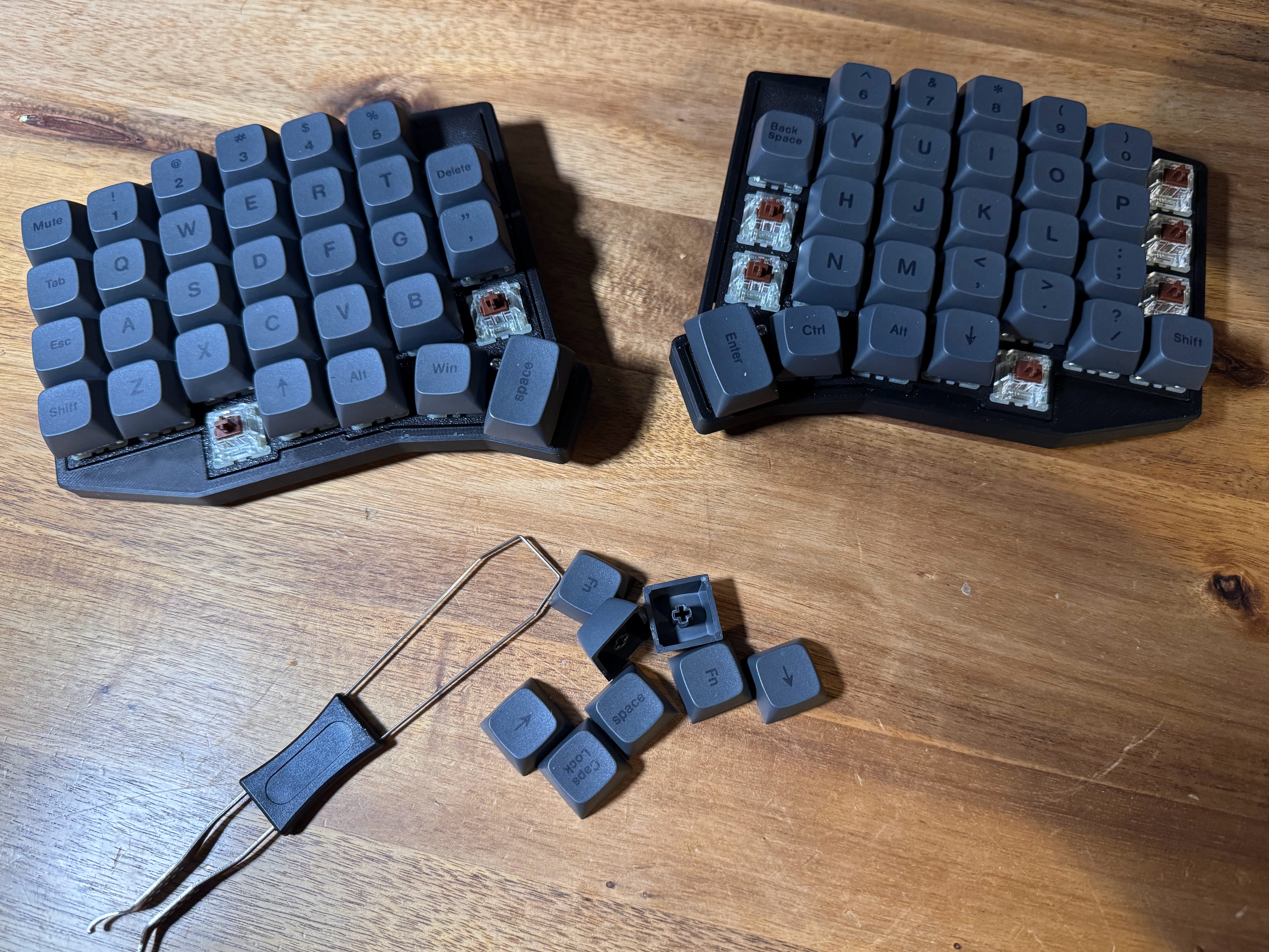
The Sofle is a 66-key split with column-staggered layout, QMK firmware, and hot-swappable sockets. The 66-key variant adds 8 keys over the 58-key original, with 6 of them within easy reach of the index fingers — meaning fewer layers for daily coding. I went with the v2 PCB pre-built, Gateron Browns, XDA keycaps, and a 2.4GHz wireless dongle so I’m not tethered.
The plan
Minimal layers. A symbol layer for [, ], {, }, (), and the rest of the punctuation that turns Go and YAML into a finger ballet. A nav layer for arrows and home-row mods. Numbers stay on a dedicated layer because reaching to the top row on a column-staggered board feels wrong every single time.
I’ll come back and write up the actual learning curve once I’ve used it as my daily driver long enough to have an opinion that isn’t just “ow”.